
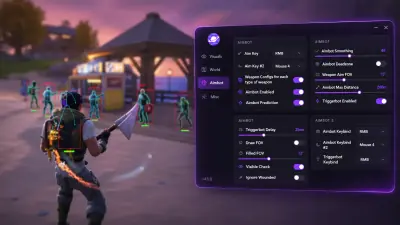
Fortnite Cheats After an Update
Find out what to check when Fortnite or the product stops working after a game update.
See whether Fortnite runs on its own
Start the game on its own and note whether it reaches the lobby. If it fails there, record the launcher or game error first. That gives you a useful starting point before you check the PC requirements.
Record exactly what changed
If the game starts but the product reports a problem, note the game build, Windows version, the first failure time and the exact message. Share that information with support and leave credentials out of the report. For an example of the settings people check, see the archived discussion about Windows launch errors.
Confirm current compatibility before renewing. Use the plan comparison once you have an answer.